> ## Documentation Index
> Fetch the complete documentation index at: https://dynamic-docs-feat-sidebar-revamp.mintlify.site/llms.txt
> Use this file to discover all available pages before exploring further.
# Upgrade from V1 to V2
### Breaking changes
* `setShowAuthFlow` opens dynamic profile in non-multi-wallet, logged in states
#### Packages
* sdk-api to sdk-api-core
The Dynamic SDK uses a number of other Dynamic packages, among them is the sdk-api library which contains several internal APIs that are not relevant to making the SDK communicate properly with Dynamic's backend.
Therefore we've created a new package called sdk-api-core which only contains endpoints and models relevant for the SDK, and this is what the V2 SDK uses.
If you need to interact with Dynamic's backend for admin-related API calls or bulk work, among other things, you should explicitly install sdk-api, otherwise the only effect this has is lowering your bundle size!
* Wagmi V2
We now use Wagmi V2 by default as opposed to V1 in V1 of our SDK, you can find the implementation guide [here](/react-sdk/using-wagmi) to upgrade that package implementation and integration.
* Viem V2
Viem V2 is now the default, generally you don't need to do anything as the SDK will install it for you but if you have Viem installed manually alongside the SDK, you'll want to either uninstall it or ensure you're using the latest version.
#### Renamed variables/props
* useConnectWithEmailOtp to useConnectWithOtp
With the introduction of sms based login in addition to email we've adjusted some method naming to reflect this. Thus, useConnectWithEmailOtp becomes useConnectWithOtp.
* fetchPublicAddress to getAddress
This renaming is simply to align with standard terminology.
* hideEmbeddedWalletUIs prop to hideEmbeddedWalletTransactionUIs
This prop was not specific enough so we renamed it to include "Transaction" as this is exactly what it hides - the transaction confirmation screens.
* canConnectViaEmail to requiresNonDynamicEmailOtp
This flag is actually used to decide whether a wallet connector requires an external OTP provider instead of Dynamic's default email OTP and therefore it made sense to rename it as such.
#### Removed variables/props
* isVerificationInProgress
This was a boolean, available from useDynamicContext, which indicated whether any verifications are in progress for the current user (ex. connect, sign and email login verifications). However, this leads to the need for useEffects, which [the React team recommends avoiding](https://react.dev/learn/you-might-not-need-an-effect). Therefore we've remove this state and request that you add listeners to [our callbacks](/react-sdk/events/events-introduction) in order to trigger functionalities in an event driven manner.
* isFullyConnected
You can now use [useIsLoggedIn](/react-sdk/hooks/login-user-management/useisloggedin) instead of isFullyConnected to check the user's login status.
#### Replaced variables/props
* enableForcedNetworkValidation -> networkValidationMode
The type looks like the following:
```typescript
export type NetworkValidationMode = 'always' | 'sign-in' | 'never'
```
Use looks like this:
```jsx
const settings = {
enableForcedNetworkValidation: true,
}
```
```jsx
const settings = {
networkValidationMode: 'always'
}
```
* onEmailVerificationSuccess & onEmailVerificationFailure -> onOtpVerificationResult
With the introduction of SMS authentication as well as pre-existing email authentication, it makes more sense to generalise the verification callbacks for you, rather than having 4 individual ones. Therefore we've created `onOtpVerificationResult` so you can easily listen to success and failure for email and sms.
The signature of this new callback looks like the following
```typescript
export type OnOtpVerificationResult = (
isSuccess: boolean,
destination:
| {
type: Extract
value: string
}
| {
type: Extract
value: PhoneEventData
}
) => void
```
The usage of the callback is outlined as such:
```jsx
const DynamicSettings = {
eventsCallbacks: {
onEmailVerificationSuccess: (email) => handleSuccess(email),
onEmailVerificationFailure: (email) => handleFailure(email),
},
};
```
```jsx
const DynamicSettings = {
eventsCallbacks: {
onOtpVerificationResult: (isSuccess, destination) => {
if (destination.type !== "email") return;
if (isSuccess) handleSuccess(destination.value);
else handleFailure(destination.value);
},
},
};
```
#### Moved variables/props
* setShowLinkNewWalletModal
setShowLinkNewWalletModal is not part of DynamicContext anymore, but is available as part of the new useDynamicModals hook.
`const {setShowLinkNewWalletModal} = useDynamicContext();`
`const {setShowLinkNewWalletModal} = useDynamicModals();`
* evmNetworks
[evmNetworks](/react-sdk/objects/evmNetwork) now lives inside the `overrides` prop on the DynamicContextProvider settings object, whereas before it lived directly in the settings object.
```jsx
```
```jsx
```
### ERC 1155 support
Our NFT Gating feature helps you gate by NFT ownership. We've now added support for ERC 1155 tokens, so you can now gate by NFT ownership for both ERC 721 and ERC 1155 token types!
### New [webhooks](/developer-dashboard/webhooks) added
* user.passkeyRecovery.started
* user.passkeyRecovery.completed
* user.social.linked
* user.social.unlinked
* wallet.transferred
* visit.created
### userId in all webhook payloads
You wanted an easier way to always have the userId of the user that triggered the event - now we also include the userId of the trigger in all webhook event objects!
### New hooks & methods
* [showDynamicUserProfile](https://docs.dynamic.xyz/react-sdk/components/dynamicuserprofile#callback-at-closing-or-opening)
Currently the setShowDynamicUserProfile method exists on useDynamicContext which helps you trigger the user profile modal, however you had no way of knowing if the modal was open or not. Now you can use the showDynamicUserProfile boolean to get this information.
```jsx
export const Example = () => {
const { showDynamicUserProfile } = useDynamicContext()
React.useEffect(() => {
if (showDynamicUserProfile) {
/* On widget opens */
} else {
/* On widget closes */
}
}, [showDynamicUserProfile])
return null
}
```
* [useConnectWithEmailOtp](https://docs.dynamic.xyz/react-sdk/hooks/useconnectwithemailotp)
Now you can handle headless email signup with the useConnectWithEmailOtp hook! It exposes `connectWithEmail` and `verifyOneTimePassword` functions. It supports both Dynamic native login and our Magic integration.
* [setShowLinkNewWalletModal](https://docs.dynamic.xyz/react-sdk/hooks/usedynamiccontext#setshowlinknewwalletmodal-use-it-to-link-a-new-wallet-when-the-user-is-logged-in)
This new method comes as part of `useDynamicContext` and allows you to trigger the link new wallet method programmatically.
```jsx
const LinkNewWalletButton = () => {
const { setShowLinkNewWalletModal } = useDynamicContext()
return (
)
}
```
* [setAuthMode](https://docs.dynamic.xyz/react-sdk/hooks/usedynamiccontext)
Previously, you could set the auth mode via the `initialAuthenticationMode` prop on `DynamicContextProvider` but this would be set in stone once the app loads. Now you can also set it programmatically via the `setAuthMode` method on `useDynamicContext`.
```jsx
const Example = () => {
const { setAuthMode } = useDynamicContext()
return (
)
}
```
### New callbacks
* [onAuthFlowCancel](https://docs.dynamic.xyz/react-sdk/events/onauthflowcancel)
This callback is triggered when the user cancels the auth flow before successful completion. It will get called alongside [onAuthFlowClose](https://docs.dynamic.xyz/react-sdk/events/onauthflowclose).
### Extra text in the signup/login UI
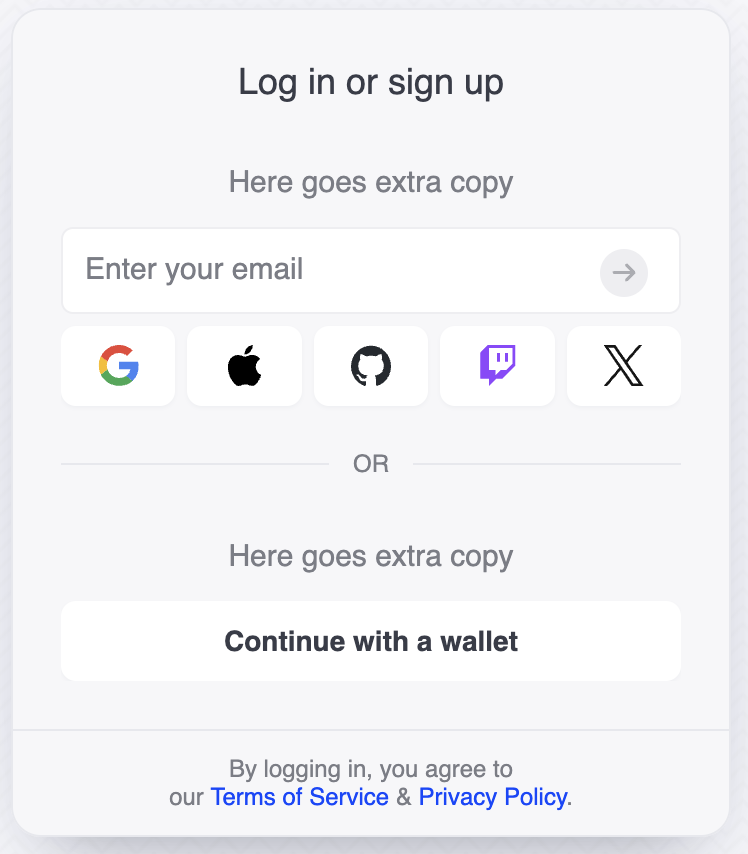
* Additional views section for extra text in the signup/login UI
If you use [Programmable Views](/design-customizations/views), you can now insert extra text:
```js
views: [
{
type: 'login',
sections: [
{ type: 'text', label: 'Intro Text', alignment: 'center' },
...
],
},
],
```
### Multi-wallet prompts without userProfile widget
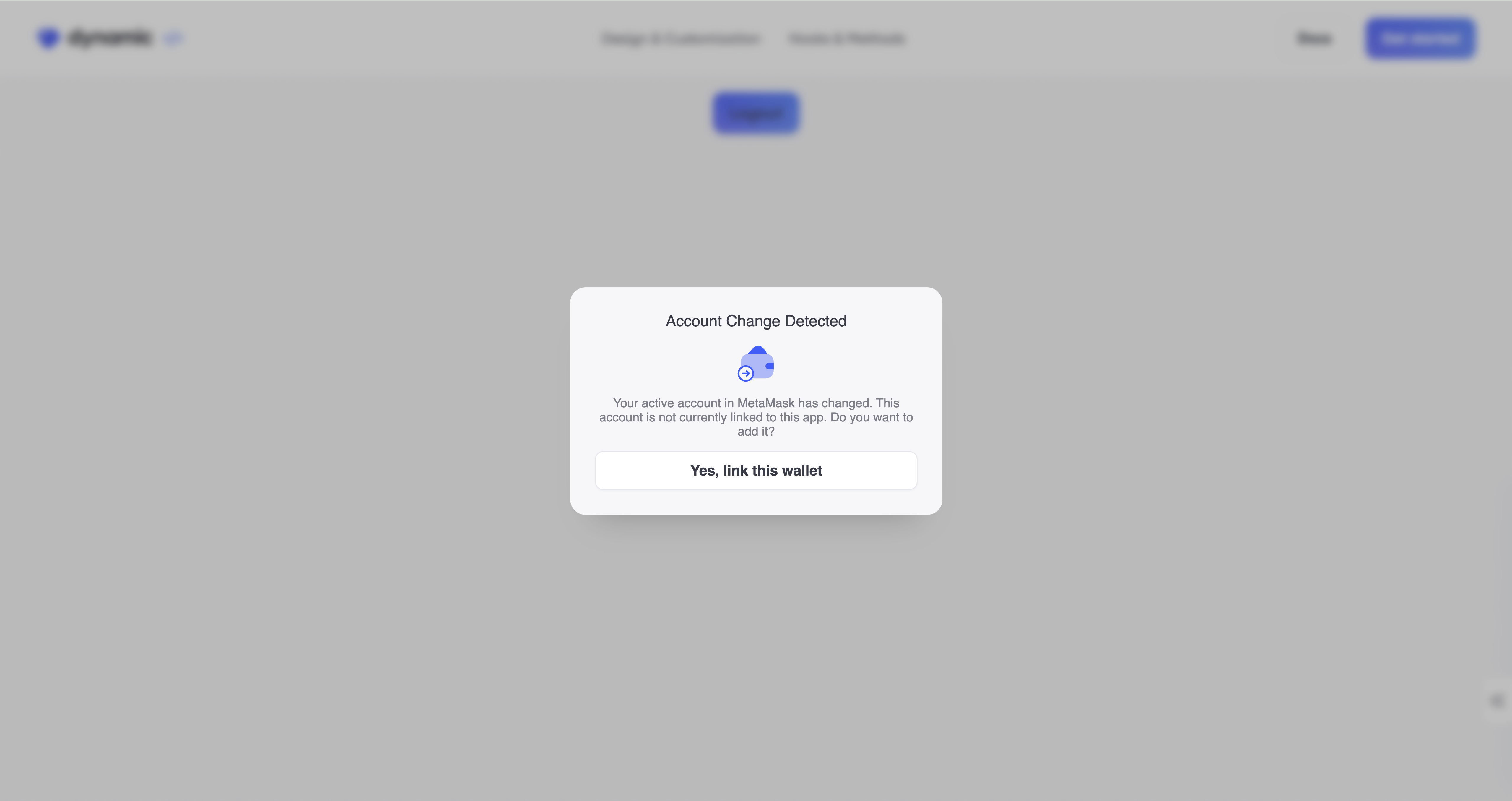
* New [multiWalletPromptsWidget](https://docs.dynamic.xyz/react-sdk/components/dynamicmultiwalletpromptswidget)
This allows you to use the multi wallet prompts without needing the full user profile which in which these prompts are normally bundled.
 ### Multi-wallet prompts without userProfile widget
* New [multiWalletPromptsWidget](https://docs.dynamic.xyz/react-sdk/components/dynamicmultiwalletpromptswidget)
This allows you to use the multi wallet prompts without needing the full user profile which in which these prompts are normally bundled.
### Multi-wallet prompts without userProfile widget
* New [multiWalletPromptsWidget](https://docs.dynamic.xyz/react-sdk/components/dynamicmultiwalletpromptswidget)
This allows you to use the multi wallet prompts without needing the full user profile which in which these prompts are normally bundled.