> ## Documentation Index
> Fetch the complete documentation index at: https://dynamic-docs-feat-sidebar-revamp.mintlify.site/llms.txt
> Use this file to discover all available pages before exploring further.
# Recommend Wallets at Signup
There are two different kinds of wallet recommentdations that you can configure. The first is for a user who might already have a wallet, but you want to recommend a specific wallet to them, to learn about this, continue to [the General Wallet List section](/wallets/advanced-wallets/recommend-wallets#general-wallet-list). The second is for a user who is new to Web3 and doesn't have a wallet at all, to learn about this you can skip to [the New to Web3 section](/wallets/advanced-wallets/recommend-wallets#new-to-web3-section).
## General Wallet List
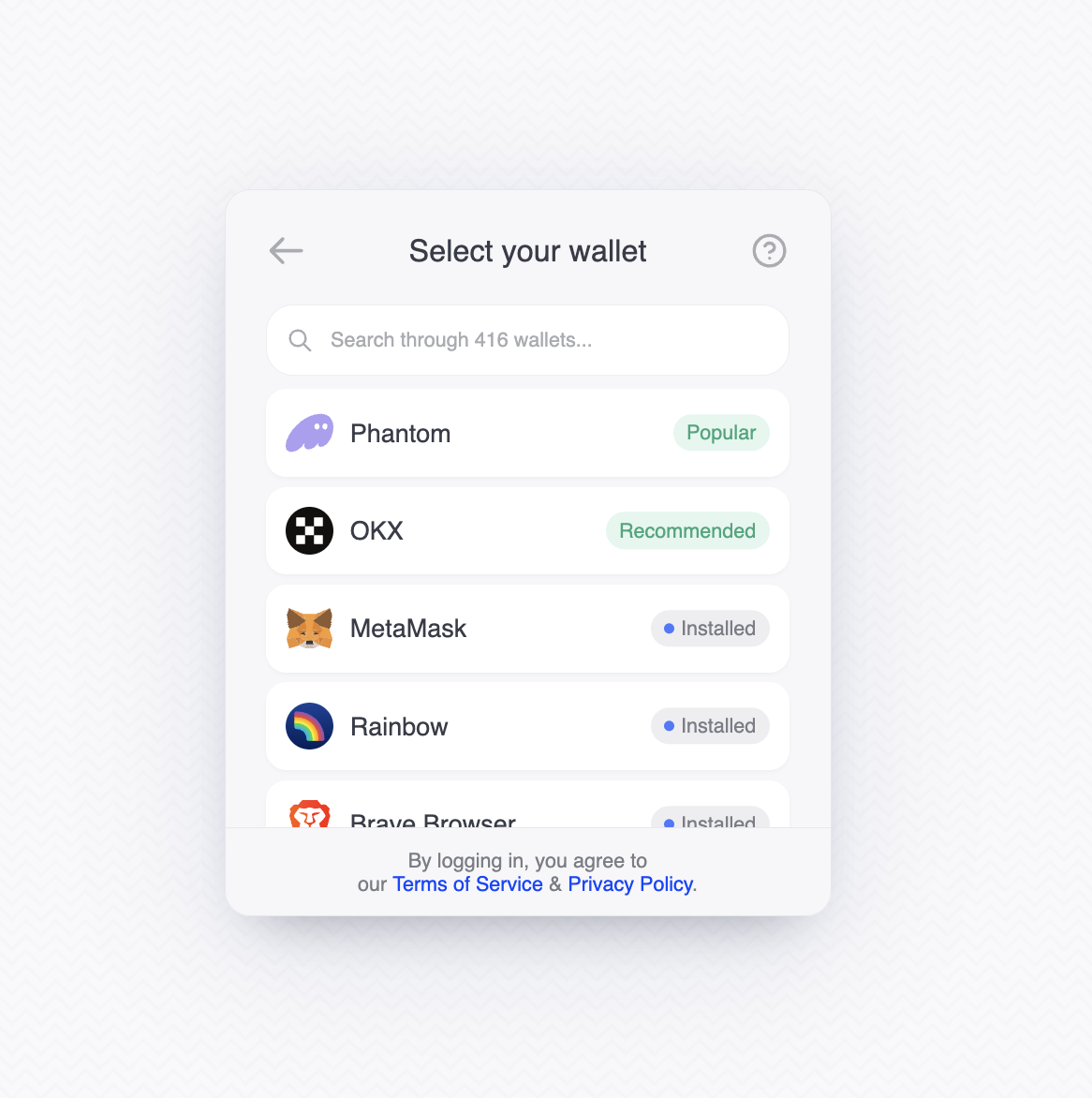
You can now specify recommended wallets that stick to the top of the wallet list, whether or not they are installed.
To do so, we added a new prop `recommendedWallet` to the DynamicContext settings which is an array of:
```JSON
{
"walletKey": "phantomevm",
// label: freeform string input for the tag label. If not specified, defaults to "Recommended"
"label": "Popular"
}
```
You can find the valid wallet keys in the chain configuration section of the
dashoard. For example,
[here](https://app.dynamic.xyz/dashboard/chains-and-networks#evm) is the EVM
section that lists all the wallets and their keys.
```Typescript
```
If you would like to customize the background and text color for the recommended tag, please refer to the [CSS variable guide](/design-customizations/css/css-variables):
```
--dynamic-badge-primary-background: #4779FF;
--dynamic-badge-primary-color: #fff;
```
***
## New To Web3 Section
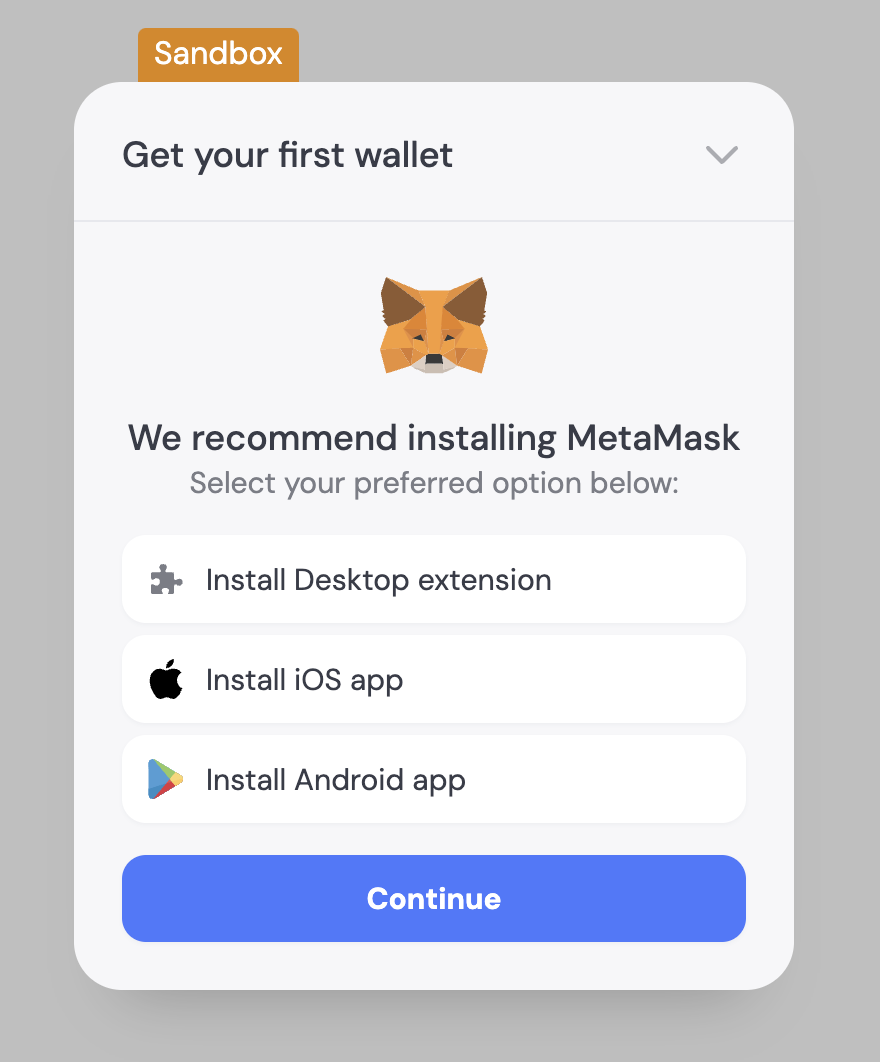 In our New to Web3 help section in our SDK, we show a common wallet for users to get started for each chain. For now, if you have enabled more than 1 chain, then we will show only 1 chain and 1 wallet.
To change the default wallet shown in this this section, you can pass a prop `newToWeb3WallChainMap` to specify the primary chain (this is to support multi-chain) and then specify the wallet with the corresponding chain.
```Typescript
```
For customers supporting multiple chains, you can also specify which chain you prefer to be primary which will then recommend the wallet aligned with that chain. You **don't** need to specify a wallet unless you want to override the current default wallet for that chain.
```TypeScript
```
In our New to Web3 help section in our SDK, we show a common wallet for users to get started for each chain. For now, if you have enabled more than 1 chain, then we will show only 1 chain and 1 wallet.
To change the default wallet shown in this this section, you can pass a prop `newToWeb3WallChainMap` to specify the primary chain (this is to support multi-chain) and then specify the wallet with the corresponding chain.
```Typescript
```
For customers supporting multiple chains, you can also specify which chain you prefer to be primary which will then recommend the wallet aligned with that chain. You **don't** need to specify a wallet unless you want to override the current default wallet for that chain.
```TypeScript
```